
Introducing AI for SuperTables.
AI is rapidly becoming a natural part of how people work with data. Not as a replacement for analysis, but as a way to move faster, reduce manual effort, and uncover insights that would otherwise take time to extract.
That’s exactly why AI is now available in SuperTables. With AI, SuperTables becomes a context-aware assistant that helps summarize and reason over data exactly where decisions are being made.
Why AI in SuperTables?
Every dashboard tells a story, but drawing conclusions can be tricky. Long lists, repeating values, incomplete fields, and manual enrichment slow teams down. What if there were a way to summarize tabular data quickly with a selection of cells?
AI in SuperTables is designed to solve that problem by:
Rather than generic AI, this approach ensures control stays in the users’ hands. The AI agent does exactly what it’s instructed to do, using only the data that’s relevant in that moment.

How it works.
AI functionality for SuperTables is enabled through WriteBackExtreme V6, where AI agents are configured.
Once configured, users can:
The AI agent has no access beyond the selected cells and provided context, ensuring transparency, predictability, and control.
Recommendation: Use an Enterprise login for your preferred Large Language Model (LLM) to align with security and governance requirements.
AI-powered data summarization.
One of the most powerful features is summarizing selected data.
Users can select a range of cells and ask custom, specific questions about that dataset. For example:
Users can either:
This makes it easy to turn raw table selections into immediate insights without leaving the dashboard.
Generative Fill with InputTables.
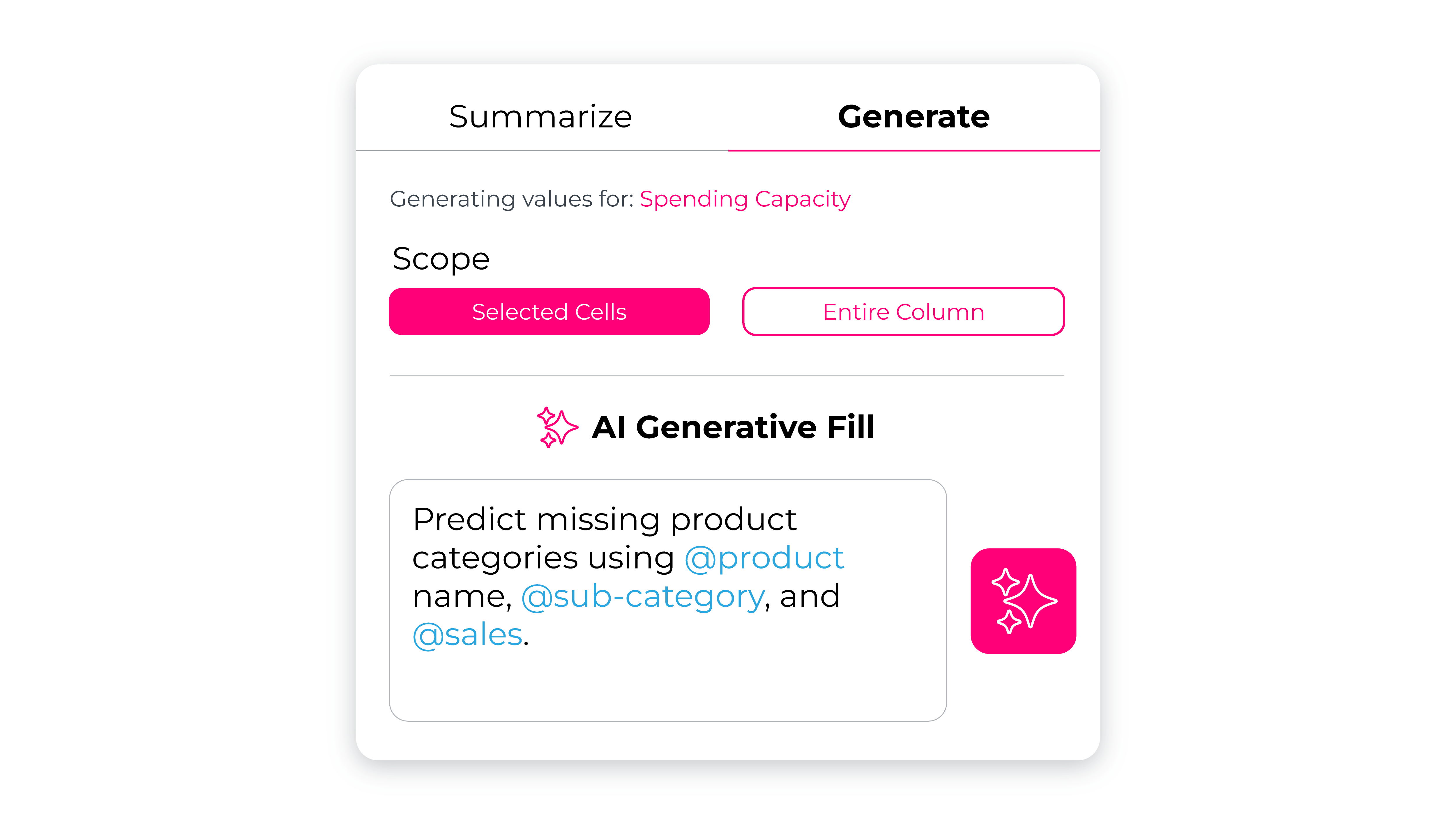
AI for SuperTables also introduces Generative Fill with InputTables.
When an InputTables column is configured, users can ask the AI agent to enrich tables by automatically generating values based on instructions and existing data.
Examples include:
This dramatically reduces manual input while keeping logic transparent and repeatable.
Why this is a game changer.
AI for SuperTables transforms dashboards from static reporting tools into interactive, intelligent workspaces.
It means:
Most importantly, it keeps users in the flow of Tableau, using AI exactly where data decisions happen.
AI for SuperTables isn’t about adding complexity. It’s about making tables work smarter, with insight delivered on demand, directly from the data that matters most.